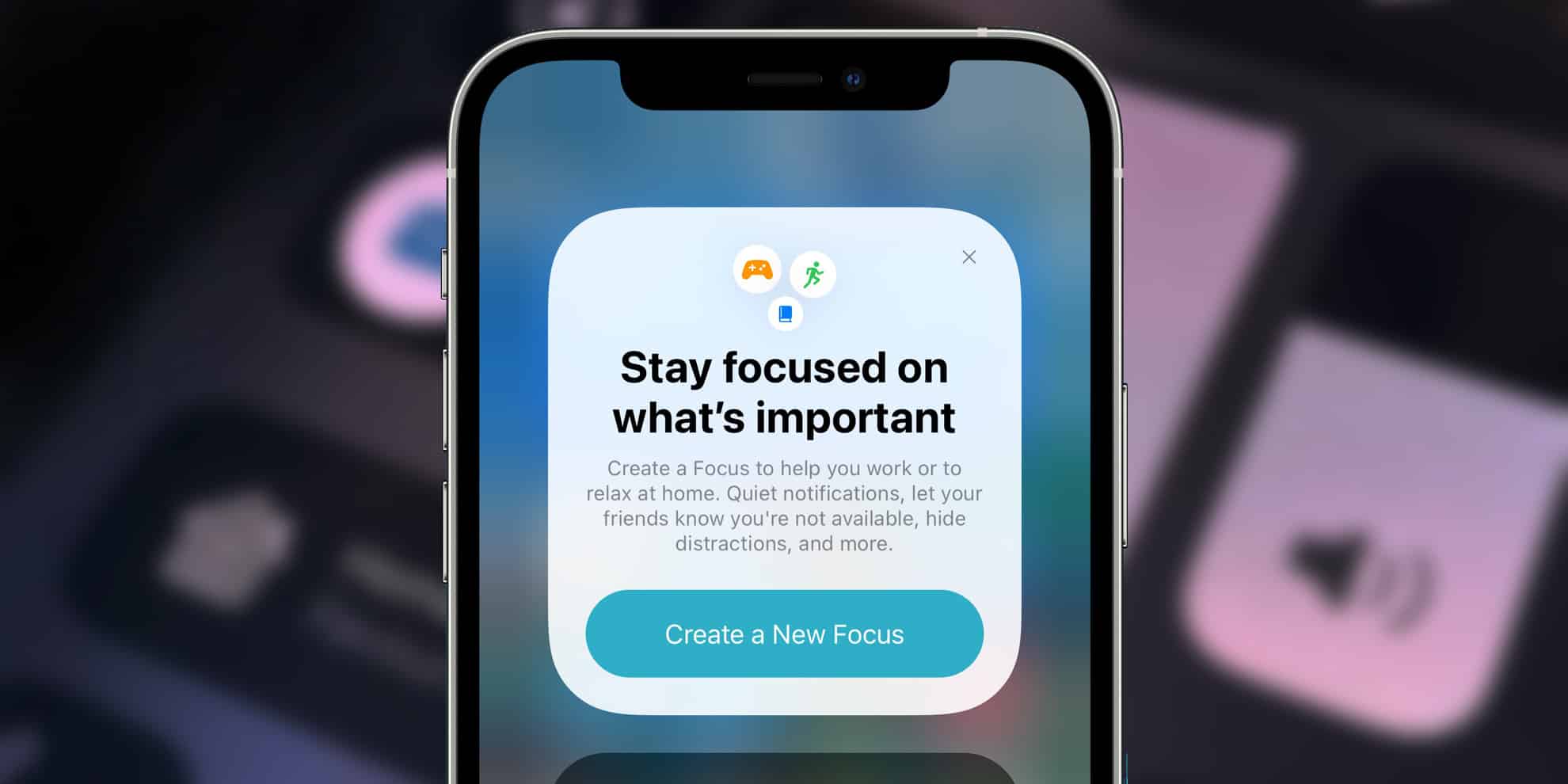
Tips for customizing notifications in apps and avoiding distractions
Understanding the Impact of Notifications
The prevalence of mobile apps in contemporary life often leads to a continuous influx of notifications that can disrupt our focus and productivity. Each ping, buzz, and alert serves as a reminder of tasks, messages, or social interactions vying for our attention. However, this digital noise can fragment our concentration, making it crucial to find effective ways to manage these interruptions. Striking a balance between remaining connected and staying focused is not merely a preference—it’s a necessity for cultivating a productive lifestyle.
Strategies for Customizing Notifications
Customizing notifications plays a pivotal role in enhancing your app experience. By tailoring alerts to your personal needs, you can create a more harmonious relationship with your devices. Here are several strategies you might consider adopting:
- Prioritize Notifications: Start by identifying which apps are genuinely essential to your daily life. For instance, if you rely on your email for work-related communications, you might want to set those notifications to high priority. In contrast, consider muting non-essential apps, like gaming notifications that may not require immediate attention.
- Utilize Do Not Disturb: The Do Not Disturb feature is an invaluable tool, especially during focused work sessions or study periods. By silencing all notifications temporarily, you allow yourself to dive deep into tasks without the constant distraction of incoming alerts. This feature can be programmed on most phones to activate during specific hours, aligning with your personal schedule and routine.
- Set Notification Limits: Control is key. By adjusting app settings, you can significantly cut down on unnecessary pings. For instance, social media platforms often allow you to choose when and how you receive notifications, such as only during certain times of the day or limiting alerts to direct messages only.
Additional Considerations for Notification Management
As you explore these strategies, consider other critical aspects that enhance your digital environment:
- Frequency: Assess how often you receive notifications. Too many alerts can lead to what experts term notification fatigue, where users become desensitized to pings. For example, reducing the frequency of your shopping app alerts can lessen distractions and keep you focused on more vital tasks.
- Sound Alerts: The sounds associated with notifications can greatly influence how you respond to them. Customizing notification tones allows you to differentiate between alerts that require urgency and those that can wait. A gentle chime for personal messages will stand in stark contrast to a loud vibrate for work-related notifications.
- Visual Cues: Consider disabling badge notifications or minimizing visual alerts from your apps. Visual cues can be just as distracting as sound alerts, often drawing your eye and tempting you to check your device unnecessarily. By turning off these distractions, you can create a more serene working environment.
Conclusion
In sum, the journey to a more focused life in our notification-filled world involves understanding and customizing your digital environment. By prioritizing notifications, utilizing features like Do Not Disturb, and adjusting frequency, sounds, and visual alerts, you can transform your interaction with technology. As you implement these techniques, you pave the way for a more productive and less chaotic daily routine, ultimately balancing your need for connection with your quest for focus. So take the time to explore these options, and shape a notification experience that works harmoniously with your lifestyle.
DIVE DEEPER: Click here to learn about enhancing user experience with A/B tests
Effective Techniques for Personalizing Your Notifications
In a world where our smartphones ping incessantly, mastering the art of notification customization is essential for both personal and professional productivity. Personalizing notifications not only reduces distractions but also ensures that important messages grab your attention when they need to. Here are some effective techniques that can help you take control of your notification experience:
- Craft a Notification Hierarchy: Establishing a hierarchy for notifications is a foundational step in customizing alerts. Identify critical apps—like your calendar, task manager, and essential messaging platforms—where timely notifications can significantly impact your performance. By assigning higher priority to these apps, you can streamline your focus on what truly matters while silencing notifications from less important sources, like news or gaming apps.
- Schedule Focused Times: Many smartphones now feature options to customize notifications based on your schedule. Take advantage of this functionality by setting specific periods for when you want notifications to be muted. For instance, you might designate an hour for deep work or family time during which your phone remains silent, allowing you to immerse yourself in tasks without interruptions.
- Tweak App Notification Settings: Most apps provide granular notification settings allowing you to tailor alerts to your preference. Dive into the specific settings of each app to adjust what types of notifications you receive. For social media platforms, for example, you could limit alerts to direct messages or mentions rather than activity on every post. This ensures that only the most relevant updates interrupt your workflow.
Consolidating Your Notification Preferences
As you implement these techniques, it’s crucial to periodically review and consolidate your notification preferences. Continuous adjustments may be necessary as your needs evolve. Here are additional steps to consider:
- Single App Notifications: Some applications allow users to receive consolidated notifications for related activities. For instance, instead of individual alerts for every new post or comment on a social media platform, you can choose to receive a single daily summary. This method drastically reduces the volume of notifications while keeping you informed.
- Utilize Third-Party Apps: There are a variety of third-party applications designed specifically for managing and customizing notifications. These tools can create rules based on contexts, such as location or activity, ensuring that notifications only arrive when they are most relevant to you. Popular options include IFTTT and Tasker, which offer robust features for tech-savvy users.
- Embrace Silent Notifications: Consider enabling silent notifications that do not alert you with sound or vibration. While these notifications still appear in your notification panel, you can choose when to check them without being disturbed. This tactic is particularly effective for less urgent apps that still require your attention.
By employing these strategies, you can significantly reduce unnecessary distractions while still harnessing the benefits of staying connected. As your interaction with technology becomes more intentional, you create an environment conducive to productivity and mindfulness. Balancing connectivity with focus is achievable, and with deliberate customization of your notification settings, you are well on your way to mastering your digital experience.
Tips for Customizing Notifications in Apps and Avoiding Distractions
As our lives become increasingly dominated by technology, mastering the art of notification management can be the key to enhancing productivity and minimizing distractions. Notifications can rapidly accumulate, often diverting attention from essential tasks. Here are some strategies to effectively customize notifications across various apps:
| Category | Description |
|---|---|
| Personalization | Customize notifications based on priorities; mute those that aren’t urgent. |
| Focus Mode | Utilize features like “Do Not Disturb” to suppress all notifications temporarily. |
Additionally, consider setting specific time blocks to check notifications rather than being disrupted throughout your day. The importance of timing cannot be overstated; choose intervals that best suit your workflow. By taking control of how and when you receive alerts, you’ll effectively reclaim your time and concentration.
Moreover, ensuring that essential apps are the only ones with notifications activated can create a more harmonious digital environment. Apps that are non-essential can often clutter your screen and distract you from your main objectives. Start today to refine your notification settings and experience a dramatic reduction in distractions, paving the way for a more focused and productive day.
DIVE DEEPER: Click here to uncover insights
Advanced Strategies for Managing Notifications Effectively
As digital landscapes evolve, so too must our strategies for managing notifications. The fundamental goal remains to minimize distractions while ensuring pertinent updates receive the attention they deserve. Here are some advanced strategies that provide even more control over your notifications:
- Implement Do Not Disturb Modes: Virtually every modern smartphone has a “Do Not Disturb” feature. Beyond simple activation, tailor your Do Not Disturb settings to allow calls or texts from only selected contacts during specific times. This is especially useful during critical work hours or family gatherings, empowering you to block out the noise from less essential communications while still remaining open to important connections.
- Leverage Smart Notifications: Many applications now utilize AI to discern the importance of notifications based on your previous interactions. These “smart” notifications can prioritize alerts, ensuring that the most relevant messages pop up when you’re most likely to respond. For instance, an app like Slack can learn which team members or channels you prioritize, and subsequently highlight their messages over others, streamlining your communication experience.
- Set Up Custom Vibration Patterns: Not all notifications need a visual cue. Consider customizing vibration patterns for different apps or contacts, providing a tactile way to distinguish alerts without constantly looking at your phone. For example, a short buzz could signify a text message while a long pulse might indicate an incoming email. This approach fosters awareness without distracting visual notifications overlapping in your periphery.
Incorporating Time Management Techniques
Besides technical adjustments, integrating time management techniques can significantly enhance your notification strategy. Here are some methods to consider:
- The Pomodoro Technique: This time management method divides your work into intervals, typically 25 minutes in length, separated by short breaks. Align your notification settings with these intervals, allowing alerts only during breaks. This way, you ensure concentrated work phases devoid of distractions, and you can attend to notifications more attentively during your breaks.
- Batching Your Communication: Designate specific times of the day for checking messages or social media rather than responding instantaneously. Establishing a routine for catching up on emails or texts can prevent the compulsion to check your phone constantly, leading to a more efficient management of your time and attention.
- Utilize Widgets and Notification Aggregators: Many smartphones allow for customizable home screens. Adding widgets or notification aggregators can help keep critical updates in view without overwhelming your main screen. This allows for a curated glimpse of your essential notifications while filtering out the less crucial alerts that can wait for later.
By adopting these advanced notification management strategies, you can create a more harmonious balance between connectivity and focus. As you refine your interactions with technology, you establish a space where productivity thrives and distractions become a manageable aspect of daily life rather than an overwhelming presence. Your phone can become a tool that supports your goals, rather than a source of perpetual disturbance.
DISCOVER MORE: Click here to learn how A/B tests can enhance user experience
Conclusion
As our reliance on digital devices continues to deepen, mastering the art of customizing notifications is not just a luxury; it is a necessity for maintaining focus in a world filled with distractions. By implementing the strategies discussed, such as leveraging Do Not Disturb modes, utilizing smart notifications, and customizing vibration patterns, you can take decisive control over your digital interactions. Additionally, integrating time management techniques, such as the Pomodoro Technique and batching your communication, allows you to align your notification settings with your productivity cycles, enhancing your overall efficiency.
Investing time in setting up your notification preferences can transform your experience with apps from a chaotic barrage of alerts into a more organized and manageable workflow tailored to your unique needs. The potential to enhance your productivity while minimizing interruptions is at your fingertips. As you explore these customization options, remember that the goal is not merely to silence distractions but to enrich your interaction with technology. Cultivating a digitally balanced lifestyle can lead to improved mental well-being and a more satisfying daily routine.
Ultimately, navigating notifications with intentionality enables you to focus on what truly matters, creating pathways for success in both personal and professional realms. Take the time to experiment with various settings and strategies, and you may just discover a more harmonious relationship with your devices. The power to customize your digital experience lies within your grasp; embrace it and reclaim your attention.
Related posts:
How to Use Project Management Apps to Enhance Team Collaboration
How to Use Habit Tracking Apps to Build a Productive Routine
How Gamification in Apps Can Stimulate Productivity in Projects
Focus Apps: How to Disconnect to Increase Concentration
Strategies to Use Timer and Pomodoro Apps to Boost Your Productivity
The Best Keyboard Shortcuts to Boost Your Productivity in Popular Software

Beatriz Johnson is a seasoned tech writer and digital tools expert with a passion for simplifying the complexities of technology and mobile applications. With over a decade of experience in the tech industry, she specializes in topics like productivity apps, software reviews, and emerging digital trends. Through her work, Beatriz empowers readers to make informed technology choices and stay ahead in the ever-changing world of apps and innovation.