The role of browser extensions in optimizing workflow
Unlocking Efficiency with Browser Extensions
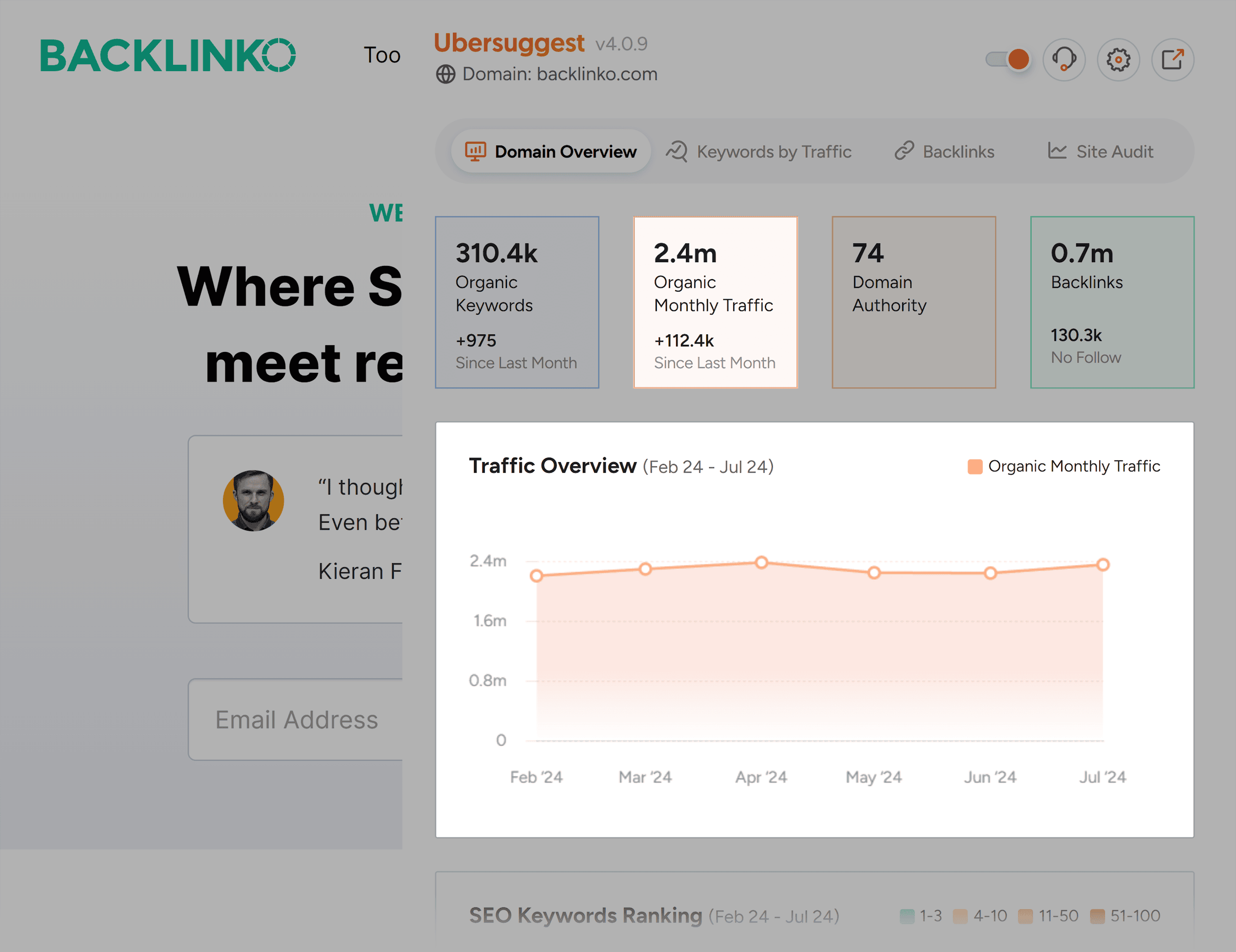
In an era where the digital workspace continues to expand, the importance of optimizing workflow cannot be overstated. For both individuals and teams striving for productivity, browser extensions emerge as invaluable tools. These lightweight applications are designed to effortlessly integrate with web browsers, providing features that enhance efficiency and streamline various tasks.
Browser extensions come equipped with a wide array of functionalities tailored to save time and bolster organizational skills. For example, consider the benefit of task automation. Applications such as Zapier or IFTTT allow users to automate repetitive actions like data entry or email management, cutting down on manual effort and making routine processes much more efficient.
Alongside automation, the ability to improve focus significantly contributes to productivity. Extensions like StayFocusd and BlockSite empower users to create lists of distracting websites to block during work hours, fostering a more concentrated environment. This reduction in digital distractions can be particularly beneficial for remote workers, who often face numerous temptations to stray from their tasks.
Moreover, browser extensions enhance collaboration in today’s increasingly remote work culture. Tools like Slack and Google Docs offer extensions that support real-time communication and document sharing, bridging the gap between team members regardless of their physical locations. This seamless integration means that teams in the United States can work together effectively, irrespective of individual schedules or geographical barriers.
For professionals looking to transform their daily routines, leveraging popular extensions such as Todoist for comprehensive task management and Grammarly for writing enhancement can lead to remarkable improvements. Todoist allows users to create, manage, and track tasks efficiently, while Grammarly helps elevate the quality of written communication by providing suggestions for grammar and eloquence.
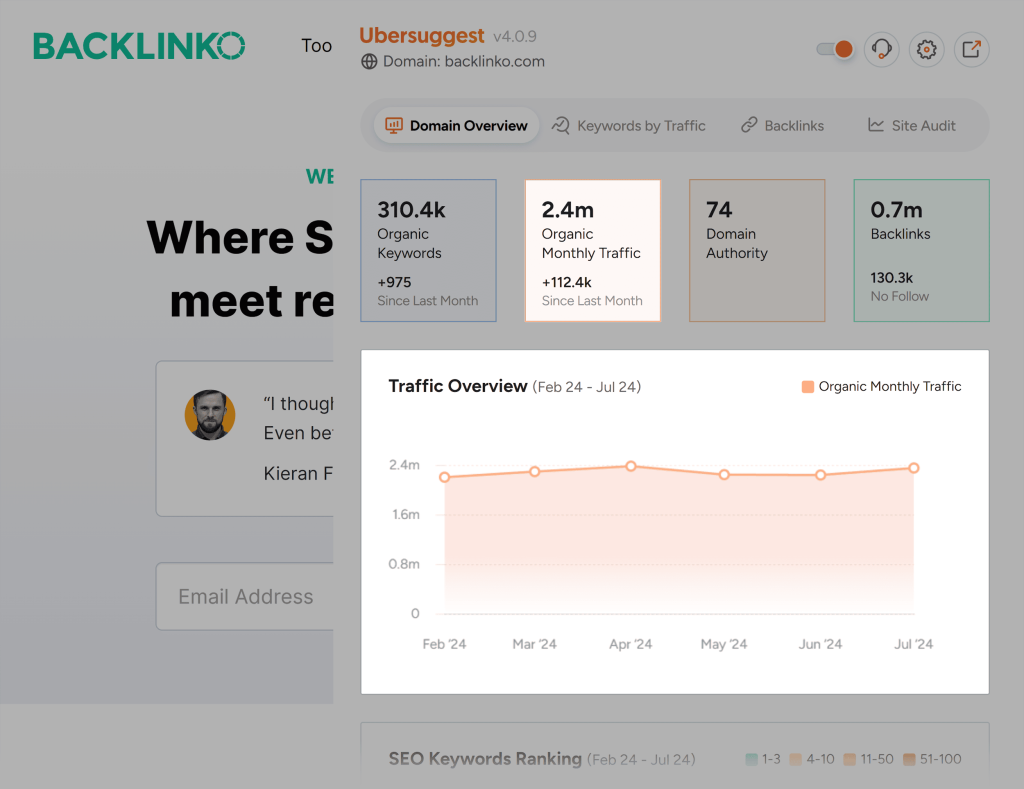
Delving deeper into the extensive world of browser extensions reveals even more possibilities. From project management tools to extensions that assist with digital marketing analytics, the potential applications are vast and varied. As users begin to explore these tools, they not only optimize their workflow but also position themselves advantageously within their professional fields.
The exploration of browser extensions inevitably leads to discovering their specific functions and essential types. By harnessing the power of these digital tools, individuals and teams can pave the way for a more efficient and productive work experience that meets the challenges of today’s fast-paced work environments.
DISCOVER MORE: Click here to learn how A/B tests can enhance your app’s user experience
Essential Functions of Browser Extensions for Enhanced Productivity
As the digital landscape evolves, the utilization of browser extensions has increasingly become a game changer for those eager to enhance their work efficiency. These versatile tools offer more than merely adding convenience to web browsing; they possess the power to fundamentally transform the way users tackle everyday tasks. By integrating into the web browser, extensions facilitate various functions that can optimize workflow significantly.
One of the most impactful roles of browser extensions is their ability to support time management. Extensions such as RescueTime track time spent on different websites and applications, providing invaluable insights into productivity patterns. Users can identify hours wasted on non-essential tasks, allowing them to realign their daily schedules to focus on higher-priority activities. With this knowledge, individuals can make adjustments, turning their routines into focused productivity periods.
Additionally, note-taking extensions like Evernote and Notion streamline information management. These tools enable users to capture important ideas and resources quickly while browsing the web, ensuring that valuable information is never lost. Such flexibility enhances the workflow, as users can easily organize their notes and refer back to them without navigating through multiple pages.
Another benefit lies in data organization and accessibility. Extensions like Pocket allow users to save articles, videos, and other content for later viewing. This means that while conducting online research, users can bookmark essential materials, aggregating them in one easily navigable place. By prohibiting the open tabs syndrome, such tools not only reduce mental clutter but also streamline the research process, leading to a more effective workspace.
Moreover, a plethora of communication extensions improve collaboration across teams. Application integrations like Zoom and Microsoft Teams allow users to initiate video calls or chat directly from their browser, eliminating the need to switch between platforms. This level of connectivity becomes vital in fulfilling the demands of remote work, where communication is key. Companies leveraging these extensions foster an environment where team members can exchange information quickly, addressing challenges with agility.
To provide a clearer picture of the functionality that browser extensions offer, consider the following essential categories:
- Productivity and Time Management: RescueTime, Toggl
- Note-Taking and Organization: Evernote, Notion
- Content Saving and Management: Pocket, OneTab
- Communication and Collaboration: Slack, Zoom
As users delve deeper into the vast repository of browser extensions available, they quickly discover that these tools can tackle multifaceted challenges while preserving valuable time and boosting efficiency. Whether working solo or within a team framework, the right browser extensions can revolutionize daily routines, providing the clarity and organization needed to excel in today’s productive workplaces.
The Role of Browser Extensions in Optimizing Workflow
Browser extensions have emerged as pivotal tools in the modern digital workspace, significantly enhancing productivity and streamlining workflows across various tasks. With a plethora of extensions available, users can tailor their browser experience to suit their specific needs, making it easier to manage time and resources effectively. These small software programs integrate seamlessly with web browsers, allowing users to customize their online interactions.
| Advantage | Description |
|---|---|
| Increased Efficiency | Extensions like task managers and note-taking tools help users complete tasks more quickly and organize their workflow. |
| Enhanced Collaboration | Collaborative extensions permit real-time sharing and editing, making teamwork more effective and less time-consuming. |
Integrating browser extensions into daily routines not only enhances personal productivity but also fosters better team dynamics through improved communication tools. For instance, project management extensions enable users to track deadlines, assign tasks, and monitor progress, all from their browser. Such functionalities significantly reduce the time spent switching between apps and streamline project execution.
Moreover, the ability to customize content viewing with extensions designed to block distractions can lead to sharper focus and deeper engagement with critical tasks. By harnessing the power of browser extensions, users are empowered to create a personalized, efficient working environment that meets the demands of any project.
DIVE DEEPER: Click here to learn how A/B tests can elevate your app’s user experience
Enhancing Integration and Security through Browser Extensions
As the dependence on digital tools expands, browser extensions have become indispensable not only for managing tasks but also for enhancing integration and security in professional environments. With cyber threats on the rise, the importance of implementing robust security measures cannot be overstated. Extensions such as LastPass and Dashlane offer powerful password management solutions by securely storing and auto-filling login credentials. This not only saves time but also mitigates the risk of data breaches caused by weak or reused passwords. As reported by Cybersecurity Ventures, global cybercrime damages are projected to reach $10.5 trillion annually by 2025, highlighting the need for users to adopt security-focused extensions.
Moreover, browser extensions that facilitate integration with various applications can streamline workflow. Tools like Zapier and IFTTT allow users to automate repetitive tasks across multiple web applications. For instance, users can set an extension to automatically save email attachments from Gmail to Google Drive, reducing the number of manual steps needed to manage files. This high level of automation can potentially save hours of work per week, making it a compelling option for professionals looking to maximize their efficiency.
Extensions also play a vital role in enhancing research capabilities. Research resources such as Zotero and Mendeley integrate directly into web browsers, enabling users to gather, organize, and cite information seamlessly. Academic researchers, students, and professionals alike can benefit from these tools, as they not only help in compiling bibliographies but also ensure that ample sources are easily accessible for reference. With the growing emphasis on data-driven decision-making, these tools enable users to harness crucial information more effectively.
In today’s fast-paced work environment, the need for customization is paramount. Extensions such as Grammarly and Readability cater to individual preferences, enhancing writing and reading experiences. Grammarly provides real-time writing feedback and suggestions; this can elevate the quality of communication within teams, reducing the chance of miscommunication. Simultaneously, Readability enables users to convert web pages into easy-to-read formats, thus making it easier to consume information without distractions. This level of personalization in web browsing can significantly influence productivity by ensuring individuals interact with content in a manner that suits their workflow.
Furthermore, the rise of visual collaboration tools reflects the increasing demand for innovative ways to connect and brainstorm ideas. Extensions like Miro and Lucidspark bring visual collaboration directly into the browsing experience, allowing team members to work together in real time, regardless of their geographical location. This heightened level of interactivity can transform brainstorming sessions, making them more dynamic and efficient. In a world where remote work is becoming the norm, these collaborative extensions play a critical role in fostering creativity and innovation through seamless teamwork.
Ultimately, as users explore the myriad options available, they will find that browser extensions not only enhance productivity but also contribute to a more secure and integrated work environment. The continuous advancement in technology means that new extensions are regularly introduced, each with the potential to address specific needs and challenges that professionals face today. By leveraging these powerful tools, individuals and teams can significantly improve their workflow, making it more organized, efficient, and secure.
DISCOVER MORE: Click here to learn how A/B tests can enhance user experience
Conclusion: A New Era of Workflow Optimization
In conclusion, the transformative impact of browser extensions on workflow optimization cannot be overstated. As we navigate an increasingly complex digital landscape, the ability to harness these tools can significantly enhance productivity, security, and collaboration. From streamlined task management to fortified password protection, extensions like LastPass, Zapier, and Grammarly illustrate just how versatile and powerful these tools can be. They not only save time and reduce risk but also empower users to customize their browsing experience to fit their unique needs.
Moreover, as remote work becomes a staple in many industries, the importance of visual collaboration and integrated research tools cannot be overlooked. Extensions that facilitate seamless teamwork and data organization, such as Miro and Zotero, are essential for fostering innovation and enhancing communication among teams regardless of their physical locations. This potential for improved brainstorming and exchange of ideas marks a significant advancement in how we approach collaborative work.
As professionals continuously seek to improve efficiency and security, the vast array of browser extensions available offers an avenue for optimizing daily tasks and workflows. The future of productivity lies in our ability to adapt and integrate these technological solutions. By remaining open to incorporating new tools as they emerge, individuals and organizations can not only stay ahead of potential threats but also elevate their operational capabilities to new heights. Thus, embracing browser extensions is not merely a trend, but a proactive strategy for success in an ever-evolving work environment.
Related posts:
The Role of Virtual Assistants in Improving Personal and Professional Efficiency
How to Use Habit Tracking Apps to Build a Productive Routine
Integrating Voice Technologies to Increase Workplace Productivity
The importance of mindfulness apps in maintaining productivity in work environments
How task list apps can revolutionize your daily productivity
How Gamification in Apps Can Stimulate Productivity in Projects

Beatriz Johnson is a seasoned tech writer and digital tools expert with a passion for simplifying the complexities of technology and mobile applications. With over a decade of experience in the tech industry, she specializes in topics like productivity apps, software reviews, and emerging digital trends. Through her work, Beatriz empowers readers to make informed technology choices and stay ahead in the ever-changing world of apps and innovation.