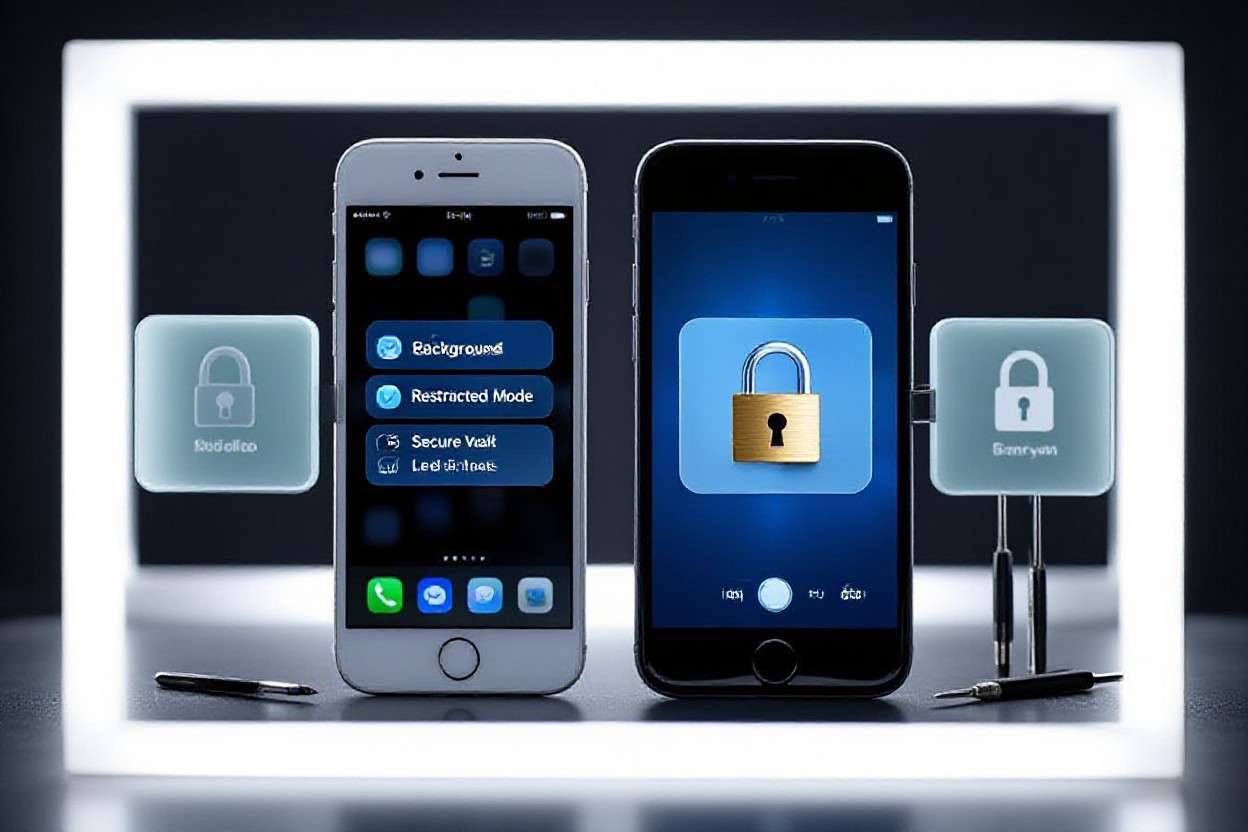
How to Set Up and Maintain Security on Mobile Devices
Understanding Mobile Security Essentials
In an age where smartphones are constantly in our hands, the importance of mobile device security cannot be overstated. Every day, millions of Americans rely on their mobile devices for communication, banking, and personal information storage. However, this convenience comes with a price—vulnerability to data breaches and cyber threats. The average person may not realize just how much sensitive information resides on their devices, ranging from email and social media accounts to financial credentials and saved passwords. This data, if compromised, can lead to identity theft and financial loss, highlighting the urgent need for robust mobile security measures.
Consider these alarming statistics:
- According to a report, over 50% of Americans have experienced a mobile security incident in the past year. This could include anything from phishing attacks to unauthorized purchases.
- More than 80% of users do not utilize basic security features on their devices, such as enabling two-factor authentication or regularly updating their operating systems.
Understanding how to set up and maintain security on these devices is crucial for safeguarding personal data. Here are key areas to focus on:
Operating System Updates
Regular updates protect against security vulnerabilities. Software developers frequently release updates that patch security flaws and enhance overall device performance. Neglecting to install these updates can leave devices open to attacks. For instance, the notorious “Stagefright” vulnerability in Android devices was a significant security hole for many users, highlighting the importance of timely updates.
Strong Passwords
Using complex passwords or biometric locks adds an essential layer of protection. Passwords should be at least 12 characters long, incorporating a mix of upper and lowercase letters, numbers, and symbols. Additionally, enabling features such as facial recognition or fingerprint scanning can vastly improve security compared to traditional PIN codes. A tool like a password manager may assist in generating and storing complex passwords securely.
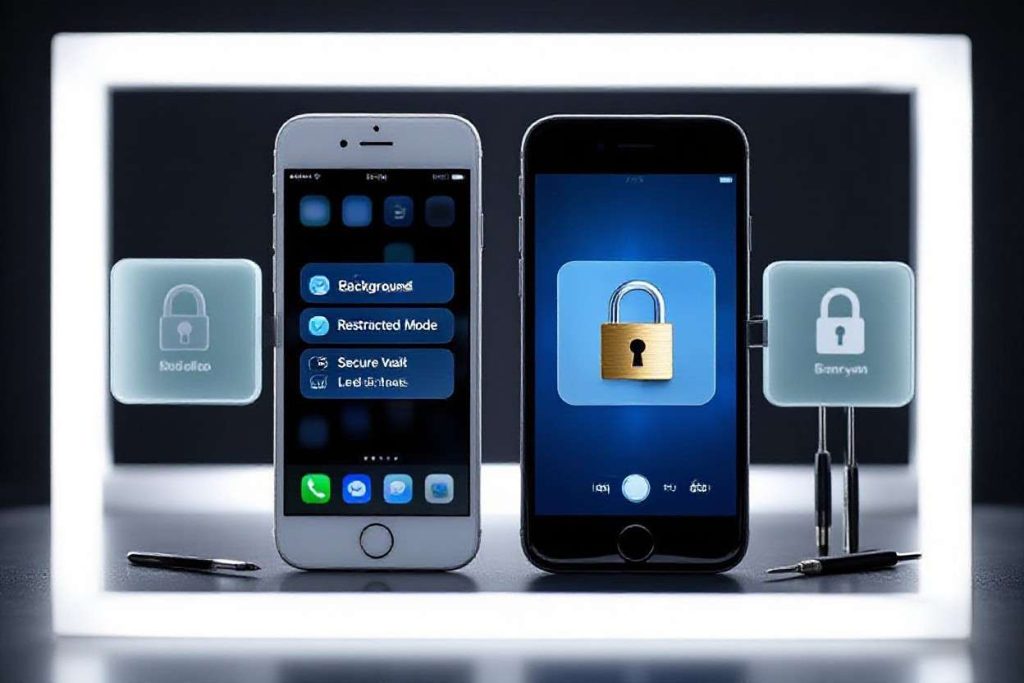
App Permissions
Reviewing app permissions is critical in preventing unauthorized access to personal information. Users often accept default permissions without considering the implications. For example, why would a flashlight app need access to your contacts or location? Being vigilant about the permissions granted can significantly reduce risks and enhance security.
Staying informed and proactive is vital in today’s digital landscape. Utilizing resources such as reputable cybersecurity blogs and forums can keep users aware of emerging threats and protective measures. In the following sections, we will explore practical steps and tools that can enhance the security of your mobile devices, ensuring that your digital life remains secure.
DISCOVER MORE: Click here to learn how A/B tests can enhance your app’s user experience
Key Strategies for Mobile Device Security
As the digital world evolves, so do the threats targeting mobile devices. With the significant portion of our lives stored or accessed through smartphones, effective security measures are imperative to safeguard personal information and sensitive data. Adopting proactive strategies not only fortifies individual protection but also contributes to a broader digital security landscape. Below are several critical measures that can significantly enhance your mobile security:
Two-Factor Authentication (2FA)
Two-factor authentication is rapidly becoming a standard feature among various applications and services, and for good reason. By requiring a second form of verification beyond just a password, 2FA drastically reduces the chances of unauthorized access. For instance, an online banking app may send you a text message with a code that you need to enter after typing your password. According to industry data, enabling 2FA can prevent up to 99.9% of automated attacks and breaches, highlighting its essential role in mobile security. Major platforms like Google, Facebook, and Apple have integrated 2FA to enhance user safety, illustrating how even tech giants advocate for this crucial layer of security.
Secure Connections
When accessing sensitive information, ensuring a secure connection is vital. Public Wi-Fi networks may be convenient, but they are often unsecured and can be breeding grounds for cybercriminals. For example, cyber attackers can set up fake Wi-Fi hotspots to capture data from unsuspecting users. If you must connect in public spaces, consider using a Virtual Private Network (VPN). A VPN encrypts your internet connection, effectively shielding your data from prying eyes and potential attackers. Regularly connecting through secure and trusted networks—such as your home or workplace—also helps fortify defenses against malicious activities.
Mobile Device Management (MDM)
For those utilizing mobile devices in a professional capacity, implementing Mobile Device Management solutions can significantly enhance security. MDM allows organizations to enforce security policies, deploy updates remotely, and effectively manage apps on mobile devices. Features like remote wipe capabilities ensure that sensitive data can be removed immediately if a device is lost or stolen, thereby protecting against data breaches and unauthorized access. Companies like Microsoft and IBM offer robust MDM solutions, enabling organizations to safeguard their assets and information.
- Enable Encryption: Ensure that your device and its data are encrypted. Most modern smartphones, including iPhones and Android devices, have built-in encryption capabilities that secure your stored information, making it unreadable without the right credentials.
- Install Security Software: Utilize reputable mobile security applications that offer anti-virus, anti-malware, and other protective features. Apps such as Norton Mobile Security and Bitdefender Mobile Security help safeguard your device from a variety of threats. Keeping this software updated is equally important to defend against the latest cyber threats.
- Beware of Phishing Attempts: Remain vigilant against phishing scams that exploit overly casual interactions via emails or messages. For instance, cybercriminals often craft messages that appear urgent, prompting users to click on malicious links. Always verify the source before clicking on any links or sharing sensitive information.
Adopting these straightforward yet effective strategies can significantly enhance the security of your mobile devices. Being proactive not only protects your data but also builds a more secure environment for your digital interactions. As we dive deeper into mobile security, we’ll explore additional tools and technologies that can arm you against evolving threats, ensuring you remain one step ahead in the digital landscape.
Essential Steps to Enhance Mobile Device Security
In today’s digital age, mobile devices are as critical to our daily lives as they are vulnerable to numerous security threats. Understanding the risks associated with mobile device use is the first step towards safeguarding your sensitive information. Threats such as phishing attacks, malware, and data breaches can target unsuspecting users. To combat these risks, vigilance and proactive security measures are essential.One main precaution is to regularly update your devices with the latest operating system and application updates. These updates often include vital patches that close security loopholes, protecting your device from potential exploits. Moreover, enabling automatic updates can streamline this process, ensuring you always have the most secure version of your software.Another significant aspect is the use of strong passwords and multi-factor authentication (MFA). Using complex passwords may seem trivial, but it’s an effective barrier against unauthorized access. Pairing this with MFA adds an additional layer of security, requiring users to provide a second form of verification, such as a code sent to their email or phone.Utilizing reputable mobile security applications is also crucial. These applications can provide real-time protection against malware and phishing attempts, scanning apps before download and monitoring device activity. Regularly reviewing app permissions is equally important; many apps request access to more data than they need, which can lead to unwanted data exposure.Another key practice to maintain security on mobile devices is to avoid connecting to public Wi-Fi networks. These connections can expose your data to cybercriminals. If necessary, consider using a virtual private network (VPN) for encryption over these networks.Lastly, always back up important data. In the event of theft or a security breach, having a backup ensures that you can recover vital information without panic. Implement these strategies consistently to fortify your mobile device’s defenses, ensuring your personal data stays secure in this ever-evolving digital landscape.
| Category 1 | Category 2 |
|---|---|
| Update Regularly | Ensures protection against vulnerabilities in operating systems and applications. |
| Strong Passwords & MFA | Creates multiple layers of security to prevent unauthorized access. |
| Public Wi-Fi Precautions | Avoiding public networks or using a VPN can shield against interception. |
| Regular Data Backups | Prepares for potential data loss scenarios, keeping important information safe. |
DIVE DEEPER: Click here to discover how A/B tests can enhance user experience
Advanced Security Measures and Best Practices
In addition to the foundational strategies outlined previously, there are several advanced security measures and best practices that can fortify the defenses of mobile devices even further. As mobile technology continues to advance, staying informed and adapting to new security paradigms becomes critical in mitigating risks.
Regular Software Updates
Keeping your device’s operating system and applications updated is one of the simplest yet most effective ways to maintain security. Software updates frequently include patches that address newly discovered vulnerabilities. According to cybersecurity experts, failing to update software is akin to leaving your front door wide open. For instance, in 2023, a major security flaw was discovered in the Android operating system, potentially affecting millions of devices. By diligently applying updates, users can shield themselves from such vulnerabilities and reduce the risk of exploitation by hackers and cybercriminals.
App Selection and Permissions
When downloading apps, it’s crucial to only use reputable sources—preferably official app stores such as the Apple App Store or Google Play Store. These platforms typically subject apps to rigorous security assessments. However, maintaining vigilance doesn’t end there; scrutinizing app permissions before installation is equally important. For example, a gaming app requesting access to your contacts or microphone might raise red flags. Users should limit the permissions granted to apps to only what is necessary for their functionality; this reduces the potential for malware and data breaches.
Backups and Recovery Options
Regularly backing up data is often overlooked but is paramount in ensuring data integrity. Both iOS and Android provide cloud-based options for backing up contacts, photos, and other vital data. By utilizing services like iCloud for Apple devices or Google Drive for Android, users can safeguard their information against loss, whether through theft, damage, or a malware attack. However, it’s essential to secure these backups with strong authentication measures to prevent unauthorized access.
Device Lock and Biometrics
Implementing a strong device lock is non-negotiable in mobile security. Regardless of the operating system, options like PIN codes, passwords, or pattern locks serve as the first line of defense against unauthorized access. Furthermore, many devices now incorporate biometric authentication methods, such as fingerprint scanners or facial recognition. The incorporation of these biometric features, according to experts, can enhance security, as they create a unique identification approach that is difficult to replicate.
- Educate Yourself on Mobile Threats: Staying informed about current mobile security threats can significantly enhance personal security. Resources such as the Federal Trade Commission (FTC) and cybersecurity blogs offer valuable insights into emerging threats and trends.
- Use Strong Passwords: Simple and easily guessable passwords remain a prevalent issue. For effective mobile security, create strong, unique passwords for each account. Consider using a password manager to keep track of your credentials securely.
- Disable Bluetooth when Not in Use: Leaving Bluetooth on can expose your device to potential attacks, particularly in crowded spaces. Users should disable Bluetooth features when they are not needed to eliminate potential vulnerabilities.
By integrating these advanced measures and maintaining a proactive stance on mobile device security, users can navigate the digital landscape with greater resilience. As technology progresses, so too must our strategies, ensuring that we are not just reactive, but rather, pioneers in robust mobile security practices.
DISCOVER MORE: Click here to learn how A/B tests can enhance your app’s user experience
Conclusion: Empowering Your Mobile Security
As we increasingly rely on mobile devices for both personal and professional tasks, understanding how to set up and maintain security on mobile devices has never been more critical. The digital landscape is fraught with risks, but by implementing robust security measures, users can significantly mitigate those threats. From the essential practice of keeping your software updated to embracing the benefits of strong device locks and biometric authentication, every effort contributes to a stronger defense against cyber threats.
Moreover, the vigilance in app selection and monitoring permissions cannot be understated. By only downloading trusted applications and controlling access permissions, users take proactive steps to safeguard their information. The importance of regular data backups serves as another vital component in this security framework, ensuring that users can recover lost information without significant impacts.
The road to effective mobile security is ongoing, requiring users to stay informed about emerging threats and trends. Resources like the Federal Trade Commission (FTC) and reputable cybersecurity blogs provide invaluable insights for those willing to educate themselves further. By adopting a comprehensive approach and remaining vigilant, individuals can navigate their digital lives with confidence, knowing they have established a fortress of security around their mobile devices.
In essence, empowering oneself with knowledge is the first step towards enhancing mobile security. As technology continues to evolve, embracing a mindset of continual adaptation is essential. Ultimately, the goal is not just to react to threats but to be prepared and resilient, paving the way for a safer mobile experience for everyone.
Related posts:
How to Efficiently Configure and Monitor IoT Devices
Impact of 5G on Device Management and Connectivity
How to Choose the Ideal Device Management Platform for Your Company
Automation in Device Management: Effective Tools and Strategies
IoT Device Management: Challenges and Innovative Solutions
Device Management Tools: Comparison of Popular Solutions

Beatriz Johnson is a seasoned tech writer and digital tools expert with a passion for simplifying the complexities of technology and mobile applications. With over a decade of experience in the tech industry, she specializes in topics like productivity apps, software reviews, and emerging digital trends. Through her work, Beatriz empowers readers to make informed technology choices and stay ahead in the ever-changing world of apps and innovation.