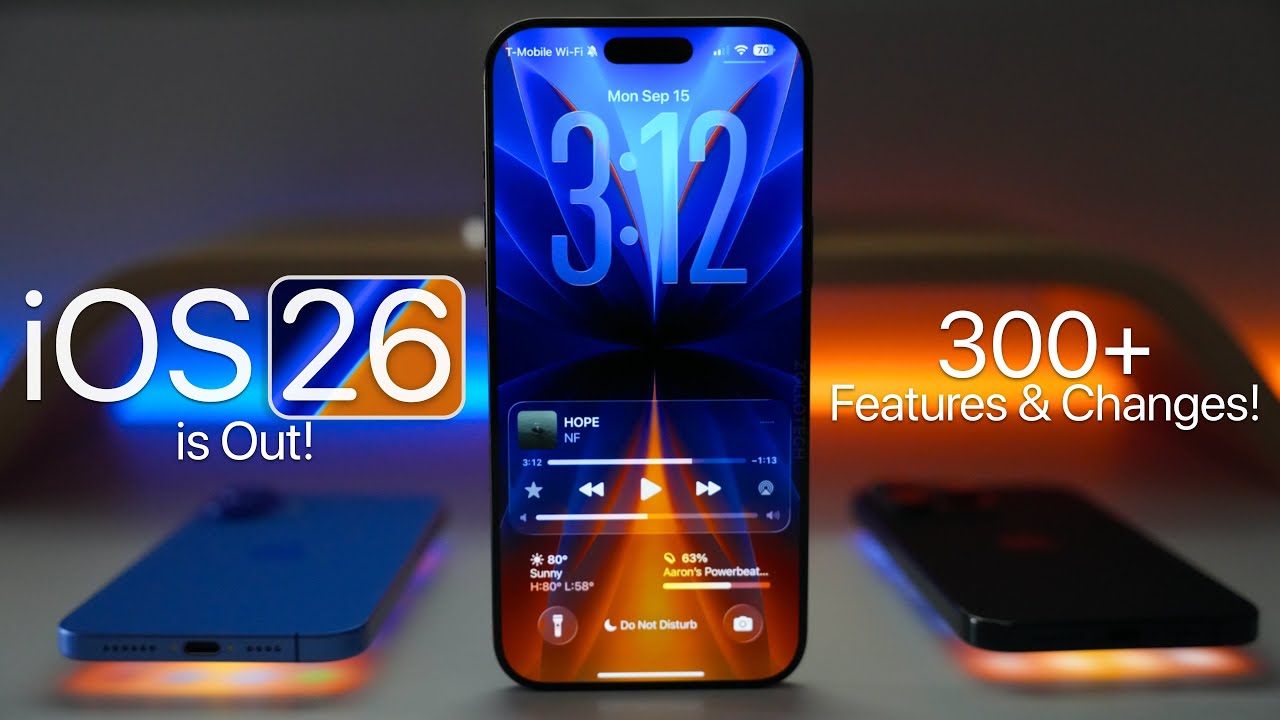
How to Set Up Automatic Updates on Your Devices to Not Miss Out on New Features
Ensuring You Stay Updated
In our fast-paced digital world, keeping devices updated is crucial for functioning smoothly and securely. With technology evolving at breakneck speed, the importance of regular updates cannot be overstated. Updates not only introduce new features but also fix bugs, enhance usability, and address security vulnerabilities that could compromise your data.
Automatic updates play a vital role in this process, allowing users to access new features, security patches, and performance enhancements without manual intervention. They work silently in the background, ensuring that your devices are always equipped with the latest tools and protections. For instance, consider scenarios where an application or operating system flaw could expose personal information. By having automatic updates enabled, you can greatly reduce the risk of such breaches.
Imagine this scenario: You’ve just learned about an exciting new feature in your favorite app, perhaps a groundbreaking editing tool in a photo app or a new game level that everyone’s raving about. Yet, due to not having automatic updates enabled, you miss out on experiencing these latest enhancements. This not only limits your enjoyment but may also hinder your productivity, especially if you rely on that app for work or study.
To avoid such situations, consider these key benefits of automatic updates:
- Seamless user experience: Automatic updates ensure that you enjoy new features without the hassle of manual downloads, allowing you to focus on using the application rather than maintaining it.
- Enhanced security: With threats constantly evolving, staying protected from vulnerabilities is essential. Timely security patches provided through automatic updates help safeguard personal and sensitive information.
- Performance boosts: Developers continually optimize their applications and software for improved functionality. Regular updates can lead to a more efficient device experience, minimizing crashes and speed issues.
Setting up automatic updates might seem daunting; however, it can be a straightforward process. Most devices, whether smartphones, tablets, or computers, offer simple steps in their settings menu to enable updates. For example, on a Windows PC, you can easily navigate to the “Update & Security” section to turn on automatic updates, while on an iPhone, simply head to “Settings,” then “General,” and finally “Software Update” to enable automatic updates.
In conclusion, taking the time to ensure that your devices are always up-to-date is an investment in their longevity, security, and performance. It not only saves you time and effort in the long run but also prevents you from being left out of software advancements that could enhance your digital experience. Stay tuned as we delve into the specifics of enabling these updates across various devices, helping you maintain optimal performance and harness the full potential of your technology.
DISCOVER MORE: Click here to enhance your app’s user experience
Getting Started with Automatic Updates
Before diving into the specifics of setting up automatic updates on your devices, it’s essential to understand the essentials of how these updates work and their implications on your technology usage. In the current landscape of software and application development, staying ahead of the curve means having immediate access to the newest iterations of programs that improve functionality and ensure security.
This process is streamlined within various operating systems and applications, each designed to cater to users’ modern needs. However, configuring these settings is not always as straightforward as one might hope. So let’s break it down by device categories to help you take control of your technology.
1. Smartphones and Tablets
For the majority of users, smartphones and tablets are the most frequently used devices. This makes having automatic updates enabled critical to ensuring you don’t miss out on essential improvements. Here’s how to enable them for popular operating systems:
- iOS Devices: On your iPhone or iPad, navigate to Settings, select General, then tap Software Update, and choose Automatic Updates. This ensures both downloading and installing new versions occur seamlessly.
- Android Devices: On Android, go to Settings, select System, then tap Advanced and choose System Update. Here you can enable the option to download updates automatically.
By enabling these settings, you not only receive new features but also critical security updates, ensuring your device remains protected against potential threats.
2. Computers and Laptops
For users relying on computers, keeping software updated is equally vital. Both Windows and macOS have streamlined methods for automatic updates.
- Windows PCs: Head to Settings and click on Update & Security. Select Windows Update and click Advanced Options. Here, toggle the setting to receive updates automatically, ensuring you are notified of new features as they are rolled out.
- macOS Devices: On your Mac, click on the Apple Menu, select System Preferences, then choose Software Update. Check the box for Automatically keep my Mac up to date to ensure your operating system runs optimally.
Both systems have started adopting more user-friendly update mechanisms where updates occur in the background or during low-usage hours, minimizing interruptions. Taking these proactive measures can save you time and stress while keeping your computing environment secure.
In addition to standard updates, many applications offer built-in mechanisms for automatic updates. Software like Adobe Creative Cloud, Microsoft Office, and others frequently roll out enhancements and feature improvements. Be sure to check the settings within these applications to enable automatic updates and stay current with their capabilities.
By understanding the configuration of automatic updates across various devices, you position yourself to fully embrace the technological advancements and security enhancements that developers continuously provide. As the next sections will reveal, this simple act can significantly impact your user experience, productivity, and security.
| Category 1 | Category 2 |
|---|---|
| Automatic Updates | Ensures access to the latest features and security patches, enhancing functionality and performance. |
| Time Efficiency | Saves users from manually checking updates, thus increasing productivity and minimizing disruptions. |
Setting up automatic updates on your devices is a pivotal step to ensure that you are not left behind in the rapidly evolving digital landscape. Many devices, whether they are smartphones, tablets, or computers, offer the option to turn on automatic updates, and the benefits are numerous. For one, automatic updates guarantee that you will always have the newest features available at your fingertips. These updates can include critical security patches, which help shield your device from potential vulnerabilities.Additionally, the time efficiency gained from automatic updates cannot be overstated. Users no longer need to allocate time to manually check for updates or download them individually, allowing for a smoother experience. By implementing automatic updates, you can maintain peak performance without considerable effort, effectively enhancing your overall productivity. In the next sections, we will cover how to enable automatic updates across various operating systems, ensuring that you are well-equipped to secure your digital life.
DIVE DEEPER: Click here to discover how A/B tests can enhance user experience
3. Smart Home Devices
In today’s connected world, smart home devices have become indispensable in enhancing everyday convenience. From thermostats to security cameras, these devices benefit greatly from automatic updates, which allow them to gain new features and enhance security functionalities. Here’s how to enable automatic updates for different types of smart home gadgets:
- Smart Speakers (Amazon Echo, Google Home): For Amazon Echo, updates are automatic and cannot be disabled. However, you can ensure your device is on the latest features by enabling notifications through the Alexa app. Google Home users can check the Google Home app settings, which also includes automatic updates for your Google Nest devices.
- Smart Thermostats (Nest, Ecobee): Nest devices receive updates automatically as long as they are connected to Wi-Fi. For Ecobee, ensure your software is updated by visiting the device settings and checking for updates, which often happen in the background.
Being diligent about these updates means you benefit from improvements such as energy efficiency reports, new functionalities like enhanced voice controls, or even added compatibility with new devices.
4. Wearable Devices
Wearable technology, especially smartwatches and fitness trackers, is an area where automatic updates can significantly elevate user experience. For popular devices, here’s how to set them to automatically receive updates:
- Apple Watch: To enable automatic updates, open the Watch app on your iPhone, navigate to General, and tap Software Update. Ensure that Automatic Updates is turned on. This will help you stay up-to-date with new watch faces or fitness features.
- Fitbit Devices: Using the Fitbit app, go to your device settings. From here, enable the option for automatic updates, ensuring any new features or health metrics are readily accessible.
Keeping your wearables updated brings new functionalities such as tracking new health metrics or improving interaction with other smart devices.
5. Gaming Consoles
For gamers, missing out on the latest game features or system improvements can be frustrating. To ensure that your console is always ready with the latest updates, follow these steps:
- PlayStation 5: Navigate to Settings, select System, and then go to System Software. Here you can enable automatic updates for both system software and games, so you never miss that essential patch or downloadable content.
- Xbox Series X/S: Go to Settings, select System, and then choose Updates. Make sure Keep my console updated and Keep my games and apps updated options are enabled, ensuring seamless gameplay without interruption from manual updates.
With automatic updates enabled, gamers can dive into new titles or features right after they are released, enhancing both gameplay and security.
While the configurations may differ from device to device, the overarching theme remains the same: enabling automatic updates positions you to take full advantage of new features while bolstering the security of your devices. Each category of devices contributes uniquely to your digital lifestyle, and by actively engaging these settings, you ensure a seamless, efficient, and enjoyable experience in an increasingly tech-driven world.
DISCOVER MORE: Click here to learn about enhancing user experience with A/B tests
Conclusion
In a rapidly evolving digital landscape, setting up automatic updates on your devices is not just a matter of convenience but a necessity for enhancing functionality and ensuring security. From smart home gadgets to gaming consoles, each device type brings unique enhancements that can significantly improve your experience. With the right settings in place, you can effortlessly access new features, enjoy vital security patches, and benefit from ongoing improvements tailored to your needs.
As we’ve explored through various device categories, the steps to enable automatic updates may vary, but the core principle remains: keeping your technology up to date allows you to take full advantage of performance enhancements and innovations. It encourages a hassle-free experience, enabling users to focus on what matters most without the worry of missing critical updates.
Moreover, considering the potential risks of running outdated software, the practice of enabling updates becomes even more critical. What might seem like a minor choice could deter vulnerabilities and safeguard personal information against evolving cyber threats.
Overall, by actively engaging in the configuration of your device settings, you position yourself to thrive in an increasingly connected world. Don’t underestimate the power of keeping your technology in sync with the latest features—it’s about optimizing your digital lifestyle and embracing the future as it unfolds. So take a moment to check your devices today; a seamless, enriched experience awaits just a few clicks away.
Related posts:
How to Efficiently Manage Software Updates on Mobile Devices
How to Roll Back Software Updates: A Step-by-Step Guide
Maximizing Device Performance: How Software Updates Can Enhance Speed and Efficiency
The Benefits of Software Updates in Productivity Apps
How to Choose the Best Time to Perform Software Updates on Your Device
The Importance of Regular Software Updates for Cybersecurity

Beatriz Johnson is a seasoned tech writer and digital tools expert with a passion for simplifying the complexities of technology and mobile applications. With over a decade of experience in the tech industry, she specializes in topics like productivity apps, software reviews, and emerging digital trends. Through her work, Beatriz empowers readers to make informed technology choices and stay ahead in the ever-changing world of apps and innovation.